
17 Best Cold Email Marketing Software To Acquire More Clients And Sales
Cold email still works when it is done the right way. The tools you choose decide whether your emails land in inboxes or disappear into spam. The best cold email marketing software helps you personalize messages, protect deliverability, and scale outreach without losing control.
If you want more replies, more meetings, and more clients, you need tools built for today’s email landscape. This guide helps you understand what matters, why it matters, and which cold email marketing platforms truly deliver value. Read on!
Why Choose The Best Cold Email Marketing Software?
Cold email marketing is no longer about sending large volumes of generic messages. You now compete for attention in crowded inboxes where relevance, timing, and trust decide results. Choosing the right software gives you structure, control, and consistency across every campaign.
The best tools remove guesswork from outreach. They replace manual tasks with smart automation while protecting your sender reputation. Below are the key reasons why investing in the right cold email marketing software changes how you acquire clients.
Improved deliverability control: You avoid spam filters by using warm-up systems, sending limits, and reputation management. This protects your domains and keeps emails landing in inboxes instead of spam folders.
Consistent personalization at scale: You personalize every email using variables, conditions, and dynamic fields. This keeps messages relevant even when you contact hundreds of prospects.
Reliable follow-up automation: You never forget follow-ups. Automated sequences trigger based on opens, replies, or time delays, which improves response rates without manual work.
Clear performance visibility: You track opens, replies, bounces, and engagement in real time. This helps you understand what works and what needs improvement.
Faster campaign execution: You launch campaigns quickly using templates, sequences, and reusable workflows. This reduces setup time and speeds up outreach.
Inbox and reply management: You manage conversations from one place. Centralized inboxes help you respond faster and avoid missed opportunities.
Better list hygiene: You reduce bounce rates through email verification and suppression rules. Clean lists protect sender reputation and improve metrics.
Team collaboration support: You assign inboxes, manage roles, and review performance across team members. This keeps outreach organized as you grow.
Scalable outreach systems: You add inboxes, domains, and campaigns without breaking workflows. The software grows with your outbound strategy.
Lower operational risk: You avoid manual errors, inconsistent messaging, and domain damage. The right system adds structure and safeguards to your outreach process.
Best Email Outreach Tools 2026: The Complete List
The tools below represent different approaches to cold email marketing. Some focus on personalization, others on scale, and some on data-driven outreach.
Each platform listed here offers verified cold email functionality rather than basic newsletter sending.
This list helps you compare tools based on real capabilities, not marketing promises.
- Reachingly.ai
- Lemlist
- Saleshandy
- Instantly.ai
- Smartlead.ai
- Reply.io
- Apollo.io
- Woodpecker
- Mailshake
- Snov.io
- QuickMail
- GMass
- Klenty
- MixMax
- SkyLead
- Salesforge
- Close
17 Best Cold Email Marketing Tools Ranked
Not every cold email tool fits every business. Some are designed for agencies, others for solo founders, and some for larger sales teams.
This ranking focuses on real-world usability, deliverability controls, personalization depth, and workflow efficiency.
Each tool below includes a clear overview, key features, pros, cons, and pricing context to help you decide confidently.
1. Reachingly (Editor’s Choice)
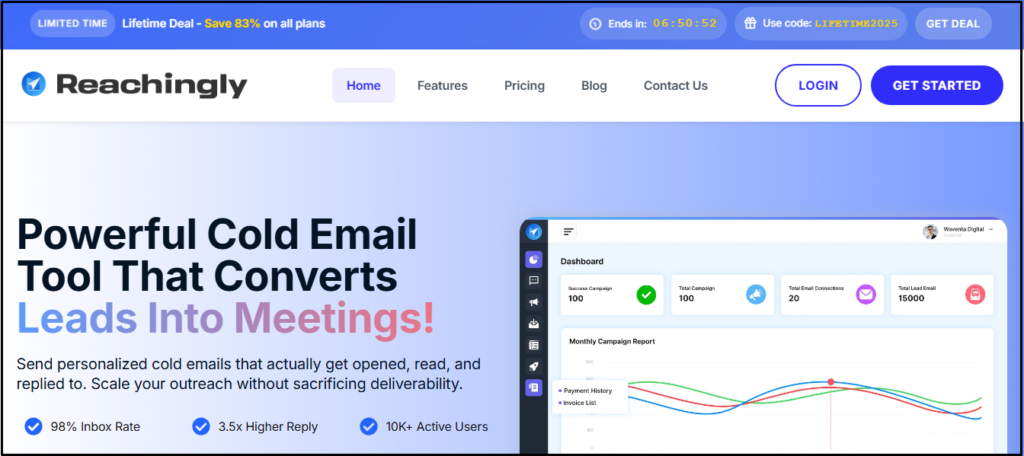
Reachingly.ai is designed for outbound teams that want disciplined automation without risking inbox reputation. The platform balances AI-assisted personalization with controlled sending. It focuses on predictable execution instead of aggressive volume.
Key Features of Reachingly
- AI-Assisted Personalization: The platform can generate personalized email variations using prospect attributes and campaign context. This reduces repetitive writing while keeping messages natural. Personalization remains controlled rather than excessive.
- Smart Sequence Automation: Reachingly allows you to build multi-step email sequences with reply-based logic. Follow-ups stop automatically when engagement occurs. This prevents unnecessary outreach.
- Inbox Reputation Protection: The tool can manage sending limits and schedules to reduce spam risk. This helps maintain consistent inbox placement. Deliverability remains stable over time.
- Centralized Inbox Management: All replies from campaigns are collected in one inbox. This improves response speed and conversation tracking. Duplicate follow-ups are avoided.
- Campaign Performance Tracking: The platform tracks opens, replies, and bounces. These metrics support ongoing optimization. Reporting remains clear and actionable.
Reachingly Pros and Cons
Pros
• Deliverability-focused sending
• AI-assisted personalization
• Clean sequence structure
• Simple onboarding
Cons
• No built-in lead database
• Limited third-party integrations
• Outbound-focused feature set
Reachingly Pricing Plans
Reachingly offers diverse pricing plans for different budgets.
Pro Plan – $29 Per Month
Business Plan – $49 Per Month
Enterprise Plan – $99 Per Month
2. Lemlist
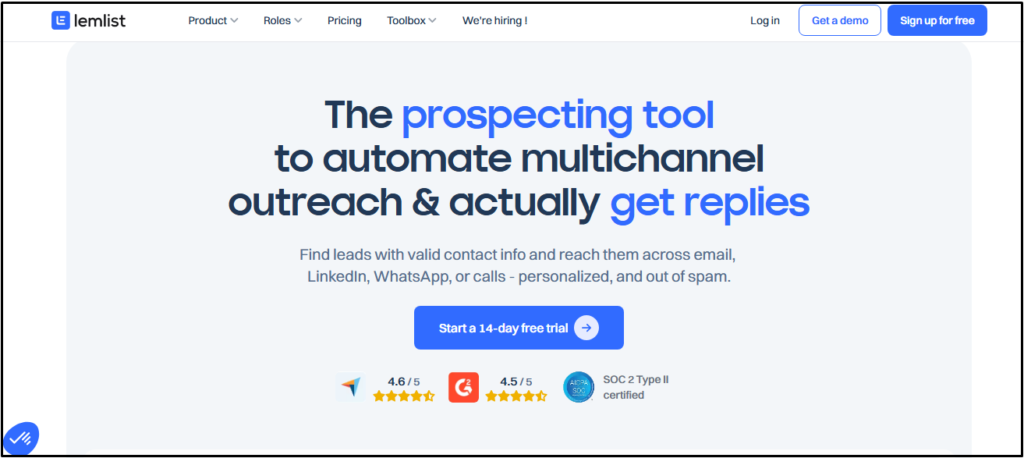
Lemlist focuses on creative personalization and multichannel engagement. It helps you stand out in crowded inboxes through dynamic visuals and coordinated outreach steps.
Key Features of Lemlist
- Advanced Personalization Layers: The platform can personalize emails using dynamic text, images, and video thumbnails. Each message renders uniquely per recipient. This increases engagement and reply likelihood.
- Multichannel Sequences: Lemlist allows email and LinkedIn actions in one sequence. Steps are coordinated automatically. Engagement remains consistent across channels.
- Built-In Email Warm-Up: The tool includes native warm-up functionality. Sending volume increases gradually. Inbox reputation is protected.
- Unified Inbox Management: Replies from all campaigns are centralized in one inbox. This improves response handling. Team collaboration becomes easier.
- Campaign Analytics: The platform tracks opens, replies, and engagement trends. These insights support optimization. Decisions become data-driven.
Lemlist Pros and Cons
Pros
• Advanced personalization
• Multichannel workflows
• Built-in warm-up
• Frequent updates
Cons
• Higher pricing tiers
• Extra cost per inbox
• Learning curve
Lemlist Pricing Plans
Lemlist offers tiered plans based on inbox count and feature access. Higher tiers unlock advanced personalization and multichannel automation.
Email Pro Plan – €55 Per Month
Multichannel Expert – €79 Per Month
Enterprise Plan – Custom
3. Saleshandy
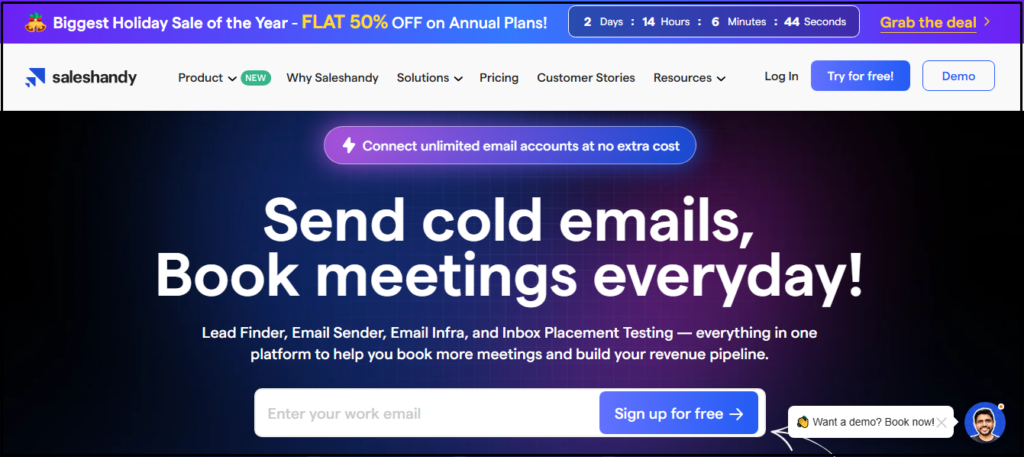
Saleshandy is built for scalable outreach with a strong focus on deliverability and team workflows. It suits agencies and outbound teams managing multiple campaigns.
Key Features of Saleshandy
- Automated Follow-Up Sequences: The platform can trigger follow-ups based on behavior or timing. Replies stop sequences automatically. Outreach remains consistent.
- Inbox Rotation and Warm-Up: Saleshandy distributes sending across inboxes. Warm-up protects reputation. Spam risk is reduced.
- Unified Inbox: Replies are collected centrally. Teams manage conversations efficiently. Visibility improves.
- Campaign Analytics: The platform tracks opens, replies, and bounces. Metrics support optimization. Reporting is clear.
- Team Collaboration Controls: Roles and inbox access can be assigned. Workflows remain organized. Teams stay aligned.
Saleshandy Pros and Cons
Pros
• Deliverability-first setup
• Scales well for teams
• Clean reporting
• Inbox rotation
Cons
• Limited creative personalization
• Short trial period
• Interface can feel dense
Saleshandy Pricing Plans
Saleshandy uses subscription pricing based on inbox count and features, with plans for individuals and teams.
Outreach Starter Plan – $18 Per Month
Outreach Starter Pro – $50 Per Month
Outreach Starter Scale – $100 Per Month
Outreach Scale Plus 100k – $150 Per Month
4. Instantly.ai
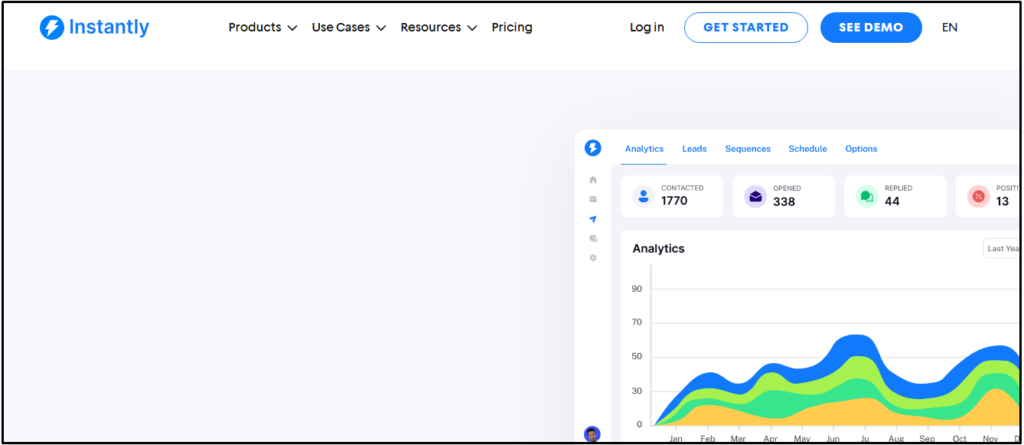
Instantly.ai supports rapid inbox scaling with automated warm-up systems. It is designed for speed and volume control.
Key Features of Instantly.ai
- Unlimited Inbox Support: The platform can manage multiple sending inboxes. Scaling is simple. Control remains centralized.
- Automated Warm-Up: Sending volume increases safely over time. Reputation builds gradually. Manual setup is minimal.
- AI-Assisted Email Writing: The tool can generate email drafts and subject lines. This speeds campaign creation. Content remains editable.
- Central Inbox: Replies from all inboxes are visible. Response handling improves. Workflow stays efficient.
- Campaign Health Monitoring: Engagement and sending behavior are tracked. Risks are identified early. Stability improves.
Instantly.ai Pros and Cons
Pros
• Fast inbox scaling
• Built-in warm-up
• Quick setup
• Active development
Cons
• Basic analytics
• Limited personalization depth
Instantly.ai Pricing Plans
Instantly offers plans based on inbox usage and warm-up capacity, with optional add-ons.
Growth Plan – $30 Per Month
Hypergrowth – $77.6 Per Month
Lightspeed Plan – $286.3 Per Month
Enterprise Plan – Custom
5. Smartlead.ai
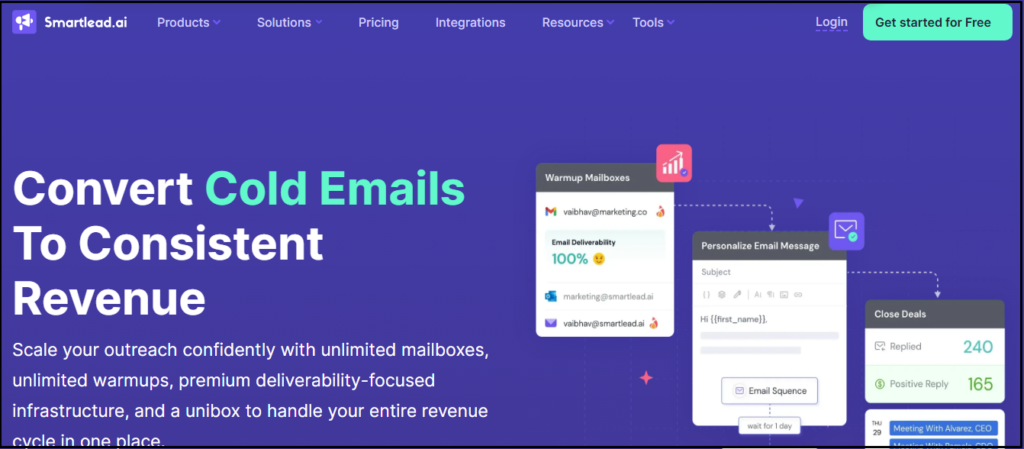
Smartlead.ai is designed for outbound teams that prioritize inbox reputation while sending at scale. The platform focuses on deliverability infrastructure rather than surface-level automation. It fits agencies and teams managing multiple inboxes and domains.
Key Features of Smartlead.ai
- Unlimited Inbox Warm-Up: The platform can warm up all connected inboxes continuously. This helps establish and maintain sender reputation across domains. Warm-up runs automatically without manual oversight.
- Automated Inbox Rotation: Smartlead can distribute sending volume across multiple inboxes. This reduces spam signals caused by concentrated sending. Rotation settings remain configurable for control.
- Centralized Reply Inbox: Replies from all campaigns are collected in one inbox. This improves visibility and response speed. Teams avoid fragmented conversations.
- Deliverability Monitoring: The tool tracks sending behavior and inbox health indicators. These signals help detect deliverability issues early. Adjustments can be made before damage occurs.
- API and Webhook Access: Smartlead provides APIs for custom integrations. This supports advanced outbound workflows. It suits technical teams with automation needs.
Smartlead.ai Pros and Cons
Pros
• Strong deliverability controls
• Scales well for agencies
• Inbox rotation support
• Flexible infrastructure
Cons
• Technical learning curve
• Limited creative personalization
• Basic reporting visuals
Smartlead.ai Pricing Plans
Smartlead offers tiered pricing based on inbox usage and automation needs. Plans scale as outbound volume increases.
Basic Plan – $39 Per Month
Pro Plan – $94 Per Month
Custom Plan – $174 Per Month
6. Reply.io
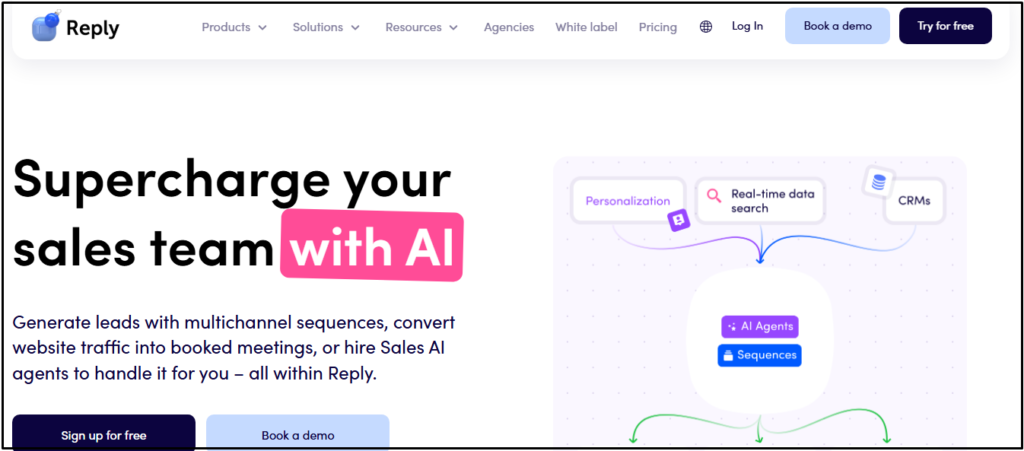
Reply.io supports structured outbound engagement across email and other channels. It is built for sales teams that follow defined outreach processes and require detailed reporting.
Key Features of Reply.io
- Multichannel Sequences: The platform can combine email, calls, and social actions into one workflow. Steps are coordinated to maintain engagement consistency. This supports structured sales outreach.
- AI-Assisted Reply Categorization: Reply.io can automatically categorize incoming replies. This improves response prioritization. Sales teams save manual sorting time.
- Centralized Inbox Management: All conversations are managed from a single inbox. This improves visibility across campaigns. Follow-ups remain consistent.
- Advanced Analytics and Reporting: The platform provides detailed engagement metrics across channels. These insights support performance evaluation. Optimization becomes data-driven.
- CRM Integrations: Reply.io syncs outreach activity with CRM systems. Pipeline visibility stays accurate. Sales workflows remain aligned.
Reply.io Pros and Cons
Pros
• Multichannel outreach
• Detailed analytics
• Scales for teams
• Strong automation
Cons
• Higher pricing tiers
• Complex onboarding
• Overkill for solo users
Reply.io Pricing Plans
Reply.io uses tiered pricing based on user seats and channel access. Advanced features are available on higher plans.
Email Volume Plan – $159 Per Month
Multichannel Plan – $89 Per Month
Hire Jason AI SDR – $500 Per Month
7. Apollo.io
Apollo.io combines prospect data with outbound email automation. It is suitable when lead discovery and outreach need to happen in one platform.
Key Features of Apollo.io
- Large B2B Contact Database: Apollo provides access to a broad business contact database. Advanced filters help narrow targeting. Data supports prospecting at scale.
- Email Sequence Automation: The platform includes basic cold email sequencing. You can engage leads directly from contact lists. Automation ensures consistency.
- Lead Segmentation Tools: Apollo allows segmentation by role, industry, and company size. This improves message relevance. Targeting becomes more precise.
- CRM Synchronization: Outreach activity syncs with connected CRMs. Pipeline data stays updated. Workflow continuity improves.
- Engagement Tracking: The tool tracks opens and replies at the contact level. Interaction history remains visible. Follow-ups become more informed.
Apollo.io Pros and Cons
Pros
• Built-in lead database
• Advanced filtering
• Integrated workflows
• Free tier available
Cons
• Data accuracy varies
• Busy interface
• Limited deliverability controls
Apollo.io Pricing Plans
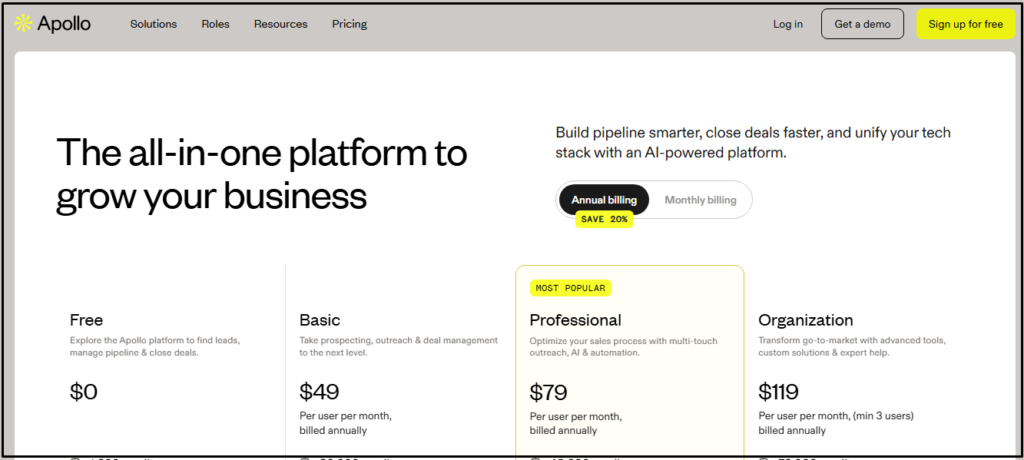
Apollo offers free and paid plans. Pricing scales based on data credits, automation access, and user count.
Basic Plan – $49 Per Month
Professional Plan – $79 Per Month
Organization Plan – $119 Per Month
8. Woodpecker
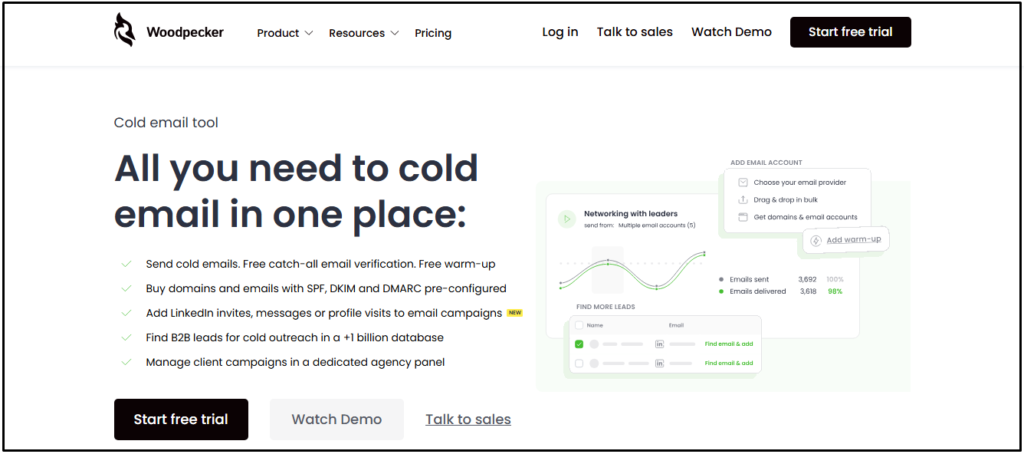
Woodpecker focuses on simplicity and predictable follow-up automation. It is built for users who want reliable cold email execution without complexity.
Key Features of Woodpecker
- Automated Follow-Ups: Woodpecker can send follow-ups automatically in the same email thread. This keeps conversations natural. Sequences stop when replies occur.
- Personalization Variables: The platform supports basic dynamic fields for personalization. Messages adapt to recipient data. Setup remains simple.
- Reply Detection: Replies are detected automatically. Campaigns pause immediately after engagement. This prevents unnecessary emails.
- Time-Zone Scheduling: Emails are sent based on recipient time zones. This improves open timing. Global outreach becomes smoother.
- Basic Performance Analytics: The tool tracks opens and replies. Metrics support basic evaluation. Reporting remains minimal.
Woodpecker Pros and Cons
Pros
• Easy to use
• Stable deliverability
• Clean interface
• Reliable automation
Cons
• Costs increase per inbox
• Limited advanced features
• Basic analytics
Woodpecker Pricing Plans
Woodpecker pricing scales by number of prospects and inboxes. Plans are predictable and straightforward.
Starter Plan – $24 Per Month
Growth Plan – $126 Per Month
Scale Plan – $903 Per Month
Max Plan – $6,666 Per Month
9. Mailshake
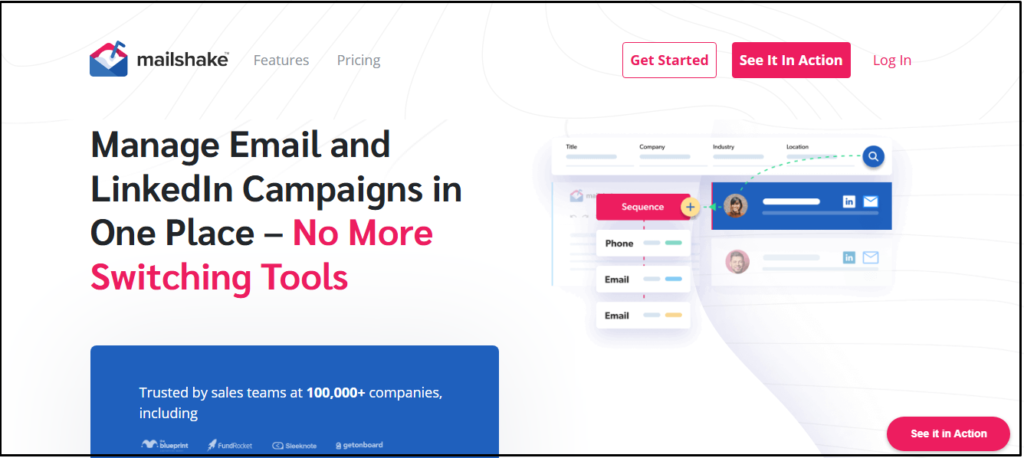
Mailshake is built for ease of use with email and LinkedIn outreach workflows. It suits teams that prefer simplicity over advanced automation.
Key Features of Mailshake
- Email Sequences: Mailshake supports automated email campaigns. Sequences are quick to set up. Follow-ups run automatically.
- LinkedIn Task Coordination: The platform includes LinkedIn task reminders. These steps are executed manually. Multichannel outreach stays organized.
- Personalization Tokens: Dynamic fields personalize email content. Messages adapt to recipient data. Engagement improves.
- Campaign Analytics: The tool tracks opens and replies. Metrics support performance review. Reporting is easy to understand.
- Team Collaboration: Templates and results can be shared across users. Teams align messaging. Consistency improves.
Mailshake Pros and Cons
Pros
• Simple interface
• Multichannel coordination
• Fast onboarding
• Reliable support
Cons
• Limited deliverability tools
• Higher pricing
• Fewer advanced controls
Mailshake Pricing Plans
Mailshake offers per-user subscription pricing. Core outreach features are included across plans.
Starter Plan – $25 Per Month
Outreach Plan – $45 Per Month
Sales Engagement Plan – $85 Per Month
10. Snov.io
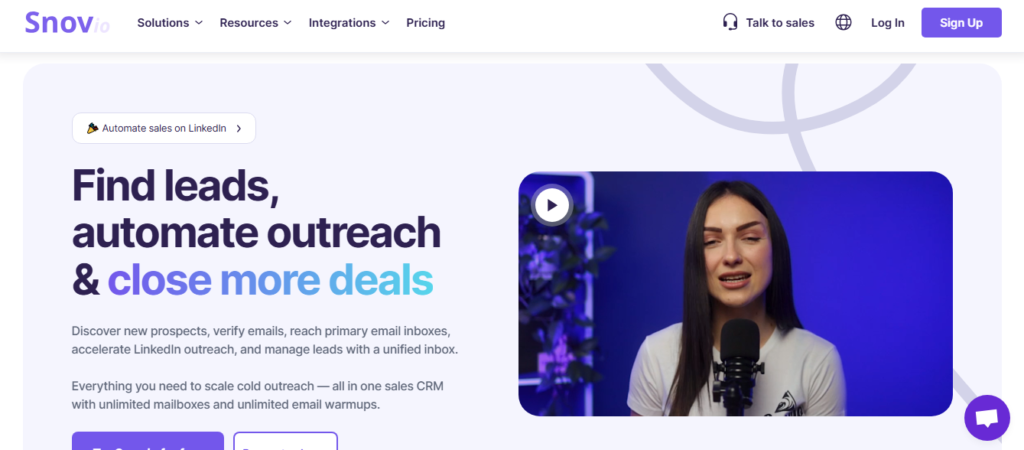
Snov.io combines lead discovery with cold email automation. It is suitable for users who want prospecting and outreach in one tool.
Key Features of Snov.io
- Email Finder and Verification: The platform can locate and verify professional email addresses. Verification reduces bounce rates. Sender reputation stays protected.
- Drip Campaign Automation: Snov.io supports automated email sequences. Follow-ups trigger based on timing. Manual effort is reduced.
- Personalization Variables: Dynamic fields adapt messages to recipient data. Personalization improves relevance. Setup is straightforward.
- Campaign Analytics: Opens, replies, and bounces are tracked. Metrics support optimization. Reporting is clear.
- Lightweight CRM Tools: The platform includes basic lead management. Contacts can be organized internally. Simple workflows are supported.
Snov.io Pros and Cons
Pros
• Built-in lead tools
• Affordable entry plans
• Easy learning curve
• Email verification
Cons
• Smaller database
• Limited automation depth
• Dated interface
Snov.io Pricing Plans
Snov.io uses credit-based pricing tied to lead discovery and email usage.
Starter Plan – $29
Pro Plan – $74
Custom Ultra Plan – Custom
11. QuickMail
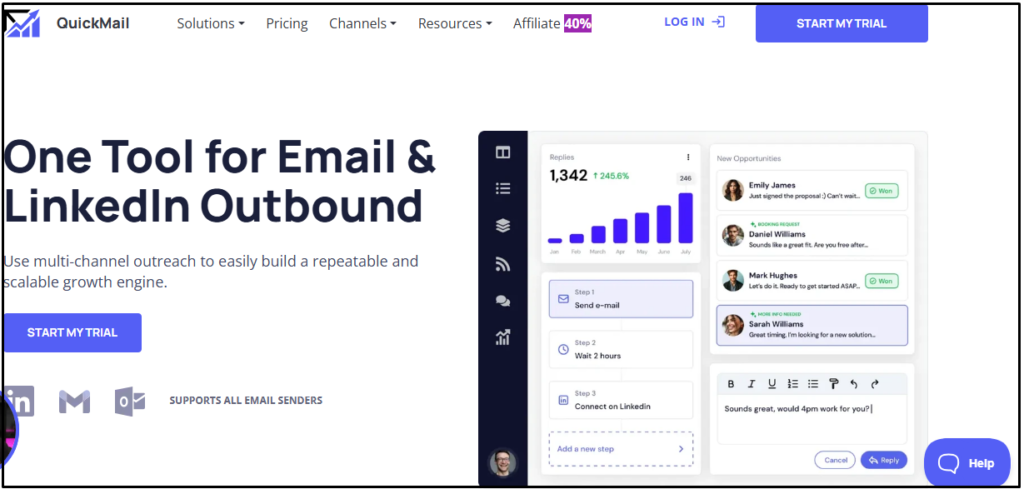
QuickMail is designed for deliverability-safe outreach and predictable follow-up automation. It is commonly used by agencies and consultants who manage multiple inboxes across campaigns. The platform prioritizes sending discipline over aggressive volume.
Key Features of QuickMail
- Automated Follow-Up Sequences: The platform can send follow-up emails automatically based on timing rules. This ensures consistent outreach without manual reminders. Sequences stop immediately once a reply is detected.
- Inbox Rotation: QuickMail can rotate sending activity across multiple inboxes. This reduces spam signals caused by concentrated sending volume. Rotation helps stabilize inbox placement during scale.
- Warm-Up Tool Integrations: The platform integrates with third-party warm-up services. This supports sender reputation building for new inboxes. Warm-up integration reduces early deliverability risk.
- Campaign Scheduling Controls: QuickMail allows you to define sending windows and pacing rules. These controls help emails appear natural to mailbox providers. Consistent pacing supports long-term inbox health.
- Basic Performance Tracking: The tool tracks opens and replies across campaigns. These metrics help evaluate sequence effectiveness. Reporting remains simple and functional.
QuickMail Pros and Cons
Pros
• Deliverability-focused setup
• Reliable follow-up automation
• Inbox rotation support
• Agency-friendly workflows
Cons
• Limited personalization depth
• Basic reporting
• Fewer native integrations
QuickMail Pricing Plans
QuickMail uses subscription pricing based on inbox usage and features. Plans are structured for solo users and agencies.
Starter Plan – $9
Growth Plan – $99
Agency Plan – $299
12. GMass
GMass operates directly inside Gmail to support lightweight cold email campaigns. It is suited for users who want simple outreach without adopting a full outbound platform.
Key Features of GMass
- Gmail-Based Sending: The tool sends campaigns directly from your Gmail account. This keeps workflows familiar and simple. Setup requires minimal configuration.
- Mail Merge Personalization: GMass can personalize emails using Google Sheets data. Messages adapt to recipient-specific fields. Personalization improves relevance.
- Automated Follow-Ups: The platform supports automatic follow-up emails. Timing rules are configurable. Manual chasing is reduced.
- Open and Click Tracking: GMass tracks engagement metrics within Gmail. Visibility is immediate. Results are easy to interpret.
- Google Sheets Integration: Campaign data syncs with Google Sheets. List management stays flexible. Updates reflect quickly.
GMass Pros and Cons
Pros
• Simple setup
• Gmail-native experience
• Low entry cost
• Easy personalization
Cons
• Limited scalability
• Basic deliverability controls
• Not built for teams
GMass Pricing Plans
GMass offers per-user subscription pricing with feature limits tied to Gmail usage.
Standard Plan – $55
Premium Plan – $124
Professional Plan – $367
13. Klenty
Klenty is built for sales teams that follow structured outreach processes. It combines email automation with task-based sales workflows.
Key Features of Klenty
- Email and Call Sequences: The platform can combine email outreach with call tasks. This creates structured engagement flows. Sales activity stays organized.
- CRM Integration: Klenty syncs outreach activity with CRM systems. Pipeline visibility remains accurate. Data consistency improves.
- Task Automation: The tool automates reminders and follow-up tasks. Manual tracking is reduced. Productivity improves.
- Analytics Dashboard: Engagement metrics are tracked per sequence. Performance trends become visible. Reporting supports sales optimization.
- Team Collaboration Tools: Roles and permissions can be assigned. Managers maintain oversight. Teams stay aligned.
Klenty Pros and Cons
Pros
• Sales-focused workflows
• CRM connectivity
• Scales for teams
• Detailed reporting
Cons
• Higher pricing tiers
• Complex onboarding
• Less creative personalization
Klenty Pricing Plans
Klenty pricing is based on user seats and engagement features, with advanced tools in higher tiers.
Starter Plan – $50
Growth Plan – $70
Plus Plan – $99
14. MixMax
MixMax focuses on improving email productivity rather than full-scale cold outreach. It works best for relationship-driven email communication.
Key Features of MixMax
- Email Tracking: MixMax tracks email opens and engagement. Data appears directly in Gmail. Visibility improves.
- Meeting Scheduling: The platform includes scheduling links. Meetings are booked faster. Email back-and-forth is reduced.
- Templates and Sequences: Reusable templates speed up email sending. Sequences automate simple follow-ups. Consistency improves.
- Gmail Integration: MixMax operates inside Gmail. Setup is quick. Workflow remains familiar.
- Engagement Analytics: Basic engagement metrics are tracked. Insights support follow-up timing. Reporting remains lightweight.
MixMax Pros and Cons
Pros
• Easy scheduling
• Gmail-native
• Productivity-focused
• Simple setup
Cons
• Not cold-email-centric
• Limited deliverability controls
• Scaling is difficult
MixMax Pricing Plans
MixMax offers tiered pricing based on productivity features and user access.
MixMax Bundle – $89
Inbox Copilot – $29
Meeting Copilot – $29
Engagement Copilot – $49
15. SkyLead
SkyLead supports multichannel cold outreach with email and LinkedIn automation. It is designed for teams that want coordinated outbound engagement.
Key Features of SkyLead
- Multichannel Sequences: SkyLead can run email and LinkedIn steps within one sequence. Engagement remains consistent across channels. Timing is coordinated automatically.
- Inbox Warm-Up: The platform includes warm-up functionality for new inboxes. Sender reputation improves gradually. Deliverability risk is reduced.
- Personalization Variables: Dynamic fields allow message customization. Personalization scales efficiently. Relevance improves.
- Campaign Analytics: Engagement metrics are tracked across channels. Performance trends become visible. Optimization is supported.
- Cloud-Based Execution: Campaigns run in the cloud. Local dependencies are removed. Reliability improves.
SkyLead Pros and Cons
Pros
• Multichannel outreach
• Built-in warm-up
• Scalable infrastructure
• Modern interface
Cons
• Limited documentation
• Smaller ecosystem
• Fewer integrations
SkyLead Pricing Plans
SkyLead pricing scales based on account usage and channel access.
All-in-One – $100
White Label – Custom
Annual – Custom
16. Salesforge
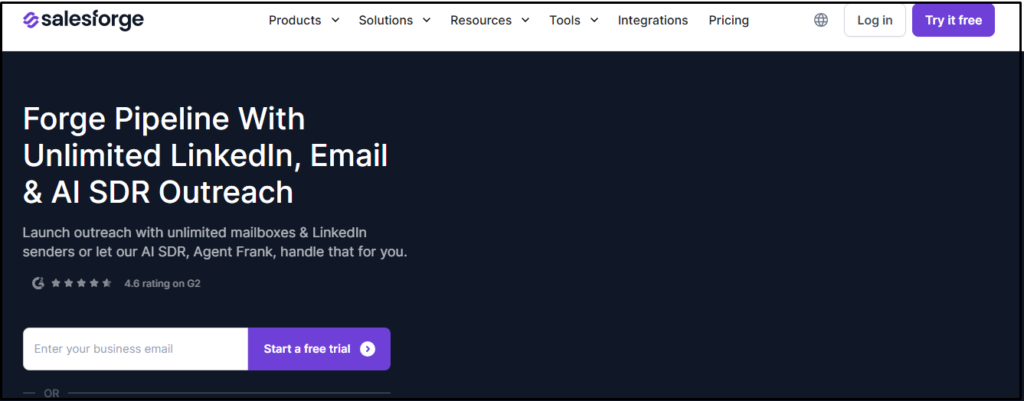
Salesforge focuses on AI-assisted outbound execution for teams that want faster campaign setup without building complex workflows. The platform is built around simplifying message creation and sequence management while maintaining basic deliverability controls.
Key Features of Salesforge
- AI-Assisted Email Writing: The platform can generate email drafts using AI based on campaign context. This reduces time spent writing outreach messages. Content remains editable before sending.
- Automated Email Sequences: Salesforge supports structured email sequences with automated follow-ups. Timing rules keep outreach consistent. Manual tracking is reduced.
- Campaign Analytics: The tool tracks opens and replies across campaigns. These metrics help evaluate messaging effectiveness. Reporting supports basic optimization.
- Deliverability Monitoring: Sending behavior is monitored to identify potential risks. This helps teams adjust volume and pacing. Inbox health remains more stable.
- Team Workflow Support: The platform allows shared campaign access. Teams can collaborate without overlapping efforts. Oversight remains simple.
Salesforge Pros and Cons
Pros
• Fast campaign setup
• AI-assisted messaging
• Simple automation
• Modern interface
Cons
• Limited advanced controls
• Smaller integration ecosystem
• Not suited for complex outbound systems
Salesforge Pricing Plans
Salesforge offers subscription-based pricing with AI features available on higher tiers. Plans scale based on usage and feature access.
Pro Plan – $40
Growth Plan – $80
Hire Agent Frank – $499
17. Close
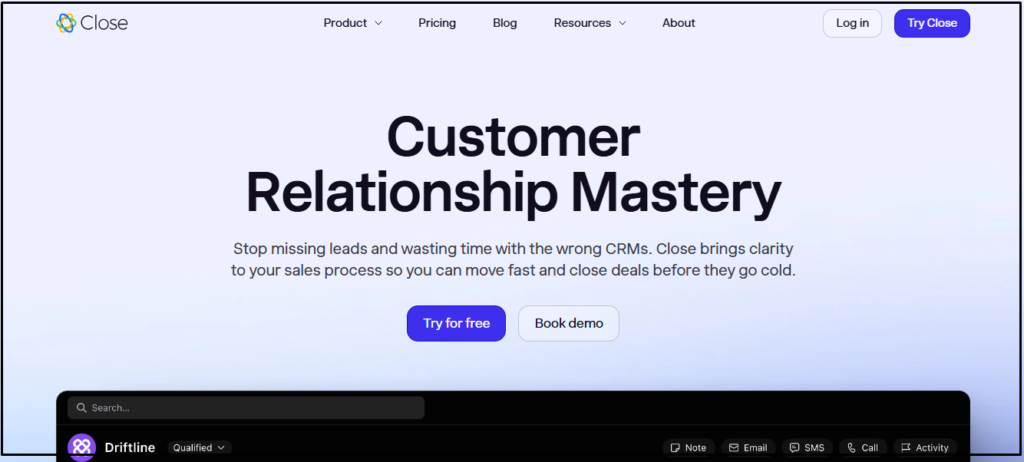
Close integrates cold email functionality within a sales CRM environment. It is designed for teams that want outreach and pipeline management in one system rather than using separate tools.
Key Features of Close
- Email Sequences: Close supports automated cold email sequences directly inside the CRM. Outreach aligns with pipeline stages. Follow-ups remain consistent.
- CRM Pipeline Management: Sales pipelines are visualized clearly. Outreach activity updates deal records automatically. Visibility improves across the sales process.
- Centralized Inbox: All email conversations are managed in one inbox. This improves response handling. Context remains attached to deals.
- Activity Reporting: Engagement metrics are tracked per lead and deal. These insights support sales decision-making. Reporting remains reliable.
- Team Collaboration: Users share pipelines, inboxes, and activity logs. Teams stay aligned. Oversight remains clear.
Close Pros and Cons
Pros
• CRM and outreach combined
• Clean interface
• Strong reporting
• Sales-focused design
Cons
• Not email-first
• Limited deliverability tools
• Higher pricing
Close Pricing Plans
Close pricing is based on user seats and CRM feature access. Advanced automation is available on higher tiers.
Essentials Plan – $35
Growth Plan – $99
Scale Plan – $139
Conclusion
Choosing the best cold email marketing software depends on how well a tool balances deliverability, automation, and message relevance.
Some platforms focus on scale, others on personalization, and others on structured sales workflows. The right choice depends on how you run outbound and how much control you need.
Reachingly.ai stands out because it focuses on disciplined execution. Its AI-assisted personalization reduces writing effort, its structured sequences prevent over-contacting, and its sending controls help protect inbox reputation.
This combination makes it a practical option for teams that want consistent outreach results without introducing unnecessary risk.
What is the best cold email marketing software for lead generation?
The best cold email marketing software helps you reach new prospects while protecting inbox deliverability. It combines email automation, personalization, follow-ups, and performance tracking. The right tool allows you to scale outreach safely, improve reply rates, and turn cold prospects into qualified leads without manual effort.
How does cold email marketing software improve email deliverability?
Cold email marketing software improves deliverability by controlling sending volume, warming up inboxes, and managing follow-up timing. Many tools also stop sequences when replies occur and spread emails across inboxes. These safeguards reduce spam signals and help your emails consistently land in inboxes instead of spam folders.
How do you choose the best cold email marketing software for your business size?
Choosing the best cold email marketing software depends on your team size and outreach goals. Solo founders need simple automation and deliverability protection, while teams need inbox rotation, collaboration, and reporting. Agencies often require multi-inbox management and scalability. The best tool matches your volume needs without sacrificing inbox reputation.
Can cold email marketing software help you avoid spam complaints?
Yes, the best cold email marketing software reduces spam complaints by controlling sending limits, spacing follow-ups, and stopping campaigns when replies occur. Features like inbox warm-up, reply detection, and pacing rules help emails appear natural. These safeguards lower spam signals and protect your domains during long-term outreach campaigns.
Is Reachingly.ai a good choice for cold email outreach in 2026?
Yes, Reachingly.ai is well-suited for cold email outreach when you want structured automation without risking inbox reputation. It focuses on controlled sending, AI-assisted personalization, and reply-based follow-ups. This makes it a practical option for teams that value predictability and long-term deliverability.
What makes Reachingly.ai different from other cold email tools?
Reachingly.ai focuses on disciplined outreach rather than high-volume sending. The platform emphasizes inbox reputation protection, structured sequences, and AI-assisted personalization. Unlike tools that push aggressive scaling, Reachingly helps you maintain consistent deliverability while still automating follow-ups and campaign management.
Can Reachingly.ai help small teams with cold email campaigns?
Yes, Reachingly.ai works well for small teams because it simplifies campaign setup and reply management. You can manage sequences, inboxes, and replies from one place without complex configurations. This helps small teams run professional outbound campaigns without needing advanced technical knowledge.
What features should you look for in the best cold email software?
You should look for deliverability controls, automated follow-ups, personalization options, centralized inbox management, and clear reporting. Email warm-up, sending limits, and reply detection are especially important. These features help you scale outreach while protecting sender reputation and improving response rates.
Is cold email software better than sending emails manually?
Cold email software is more effective than manual sending because it removes human error and inconsistency. Automation ensures timely follow-ups, proper pacing, and reply handling. Manual sending often leads to missed opportunities, poor deliverability, and inconsistent outreach performance over time.
Does Reachingly.ai support email personalization at scale?
Reachingly.ai supports personalization at scale through AI-assisted email variations and dynamic fields. The platform helps you tailor messages based on campaign context without making emails
